
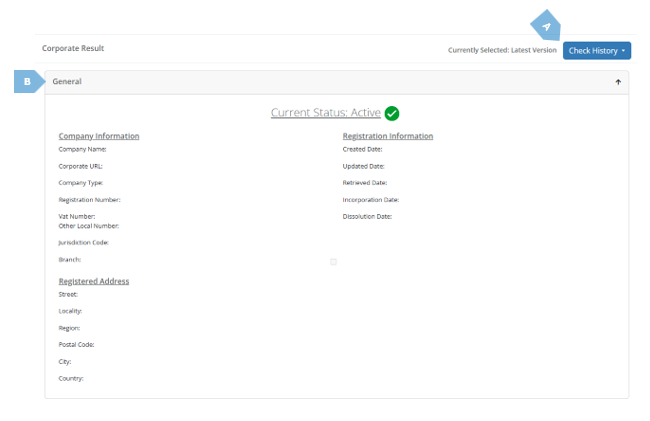
Continuing our journey across the different tabs in the detailed mCHECK™ report, we arrive at the Corporate Data tab. This tab displays the corporate data retrieved about a corporate client, from online corporate registries.
|
|
Element |
Function |
|
A |
Check History |
Whenever corporate data changes (either due to monitoring or to a rerun of the corporate check), those changes are reflected in the Corporate Data tab. By using the “Check History” button, you can navigate between the different changes and see their details and appropriate timestamps. 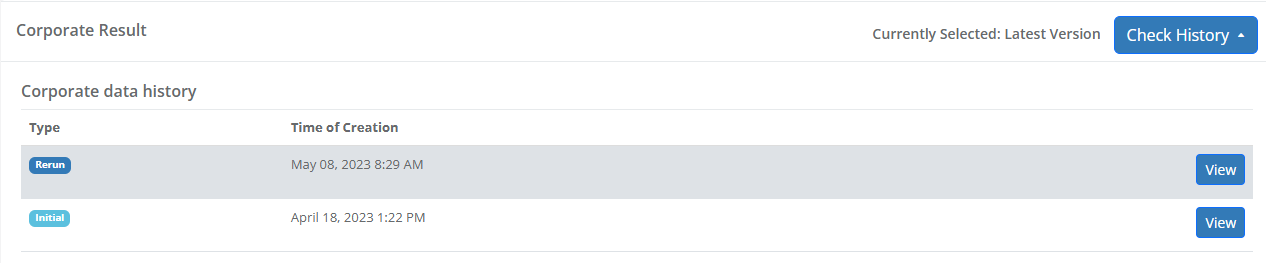
Once you select “View”, the relevant results will show, with the appropriate description. 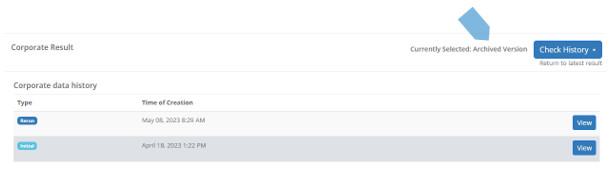
|
|
B |
Corporate Data Tabs |
The corporate data is organised, for your convenience, in tabs. These tabs and the items in them may change from case to case, depending on jurisdiction, data-sources, and of course the checked corporate itself. In light of that, and as they are usually self-explanatory, we will not specify them one-by-one. We will, however, state that like in other tabs, the data items are organised in “sub tabs”, for ease of navigation. |