This function allows you to Permanently delete an assessment from the Platform.
This function can only be performed on an already archived assessment.
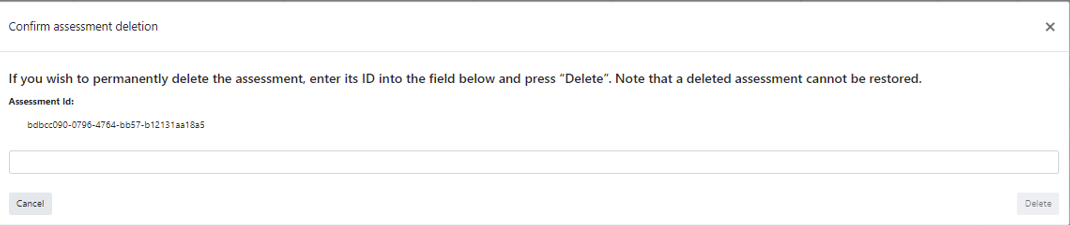
Upon clicking “Delete Assessment”, the following screen will appear, instructing you how to perform the deletion:
As you can see, you have to perform a very specific action in order to delete an assessment. The reason for that is, that we want to prevent accidental deletions.
After deletion, the assessment will no longer appear on the assessments list; however, there will be a record of the deletion in the Audit Log (on how to access the Audit Log, see Section 12.2).