
This function allows you to “park” the assessment, and stop its monitoring. This action is reversible.
It can be useful for all kinds of situations, for example, when for GDPR or internal policies reasons you need to erase client data after a certain period of time.
Situations where you have, for example, a “dormant” client, which you, on the one hand, do not want to erase their data from your onboarding records entirely; but, on the other hand, do not want to spend money on their monitoring etc. – and want to make sure you won’t, by accident, do so.
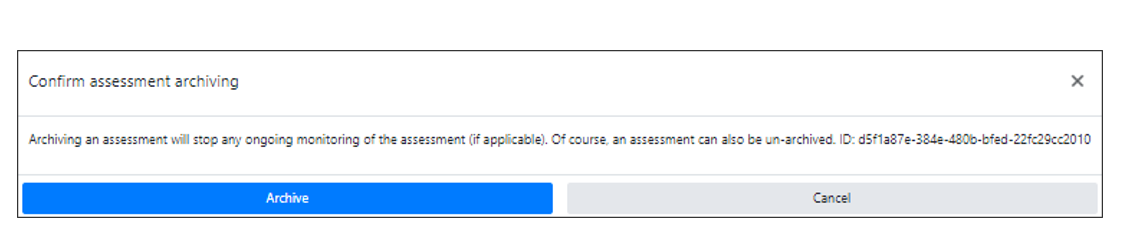
After clicking the “Archive Assessment” button, the following screen will appear:
After archiving, the assessment’s status in the “Status” column will change to “Archived” – .
You will, however, still be able to access this assessment from the assessments list.