
In order to create new users (remember – this can only be done by administrators) you need to go to:

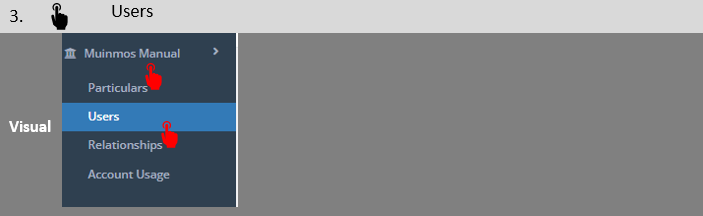
A screen similar to the screen below will open.

In order to create a new user, simply click on “Create new user”, and the following screen will open:
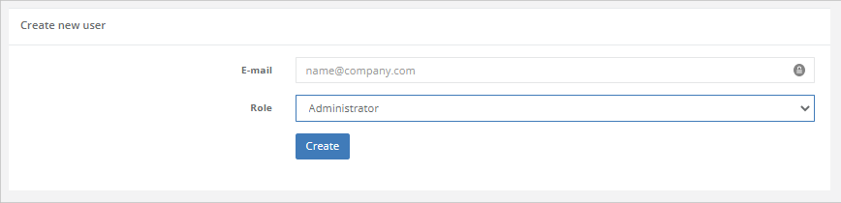
Here, you need to simply fill in the user’s email address (which will become the user’s ID), and select which role to assign them. Then, press “Create”, and the user will be added to the users list (the previous screen).
You can also create multiple users with the same e-mail ID. For more on this, please refer to Section 14.13 to this manual.