2.3.4 Multi-Factor Authentication
Multi-factor authentication (MFA) is a method of access control, requiring users to provide two or more pieces of evidence to an authentication mechanism in order to gain access to an application.
Muinmos allows administrators to enable MFA for users, as described below.
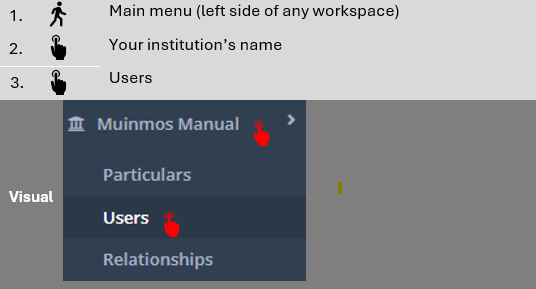
Go to “Users”
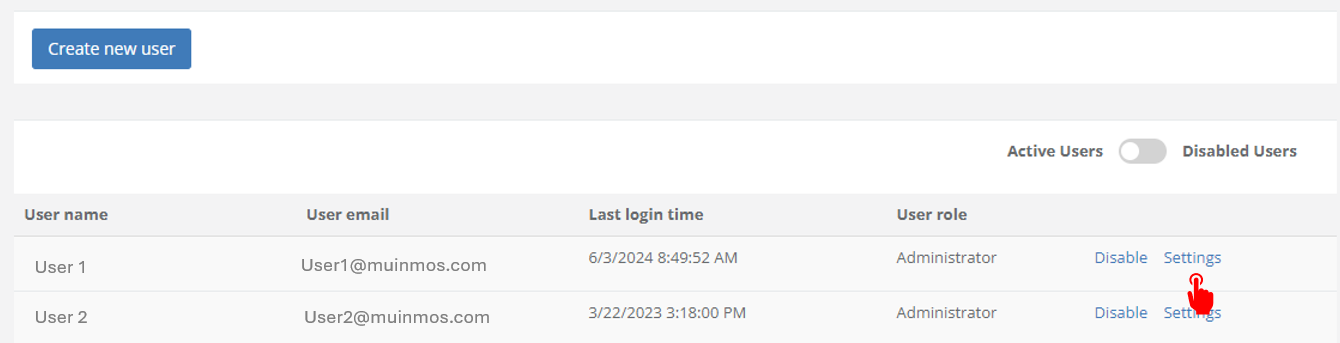
Click on “Settings” option appearing beside your user name (or beside the user name of the user you want to set MFA for).
Click on the “Enable” button appearing beside “Enable MFA on user”.

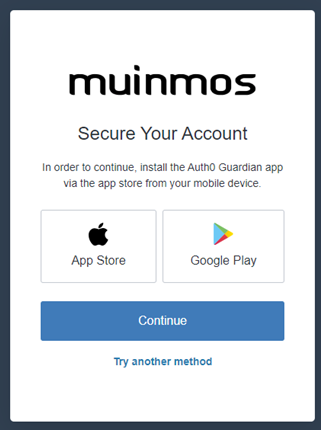
Follow the on-screen instructions the next time you log into the Platform. Among other things, users will be required to download an authentication app onto their mobile device, like Auth0 Guardian or Google Authenticator.