8.6. KYC Profiles
Having an automated Platform that performs your KYC/AML checks for you means you have to instruct it what checks you want it to perform, how and when. This is done, among others, through the “KYC Profiles” screen.
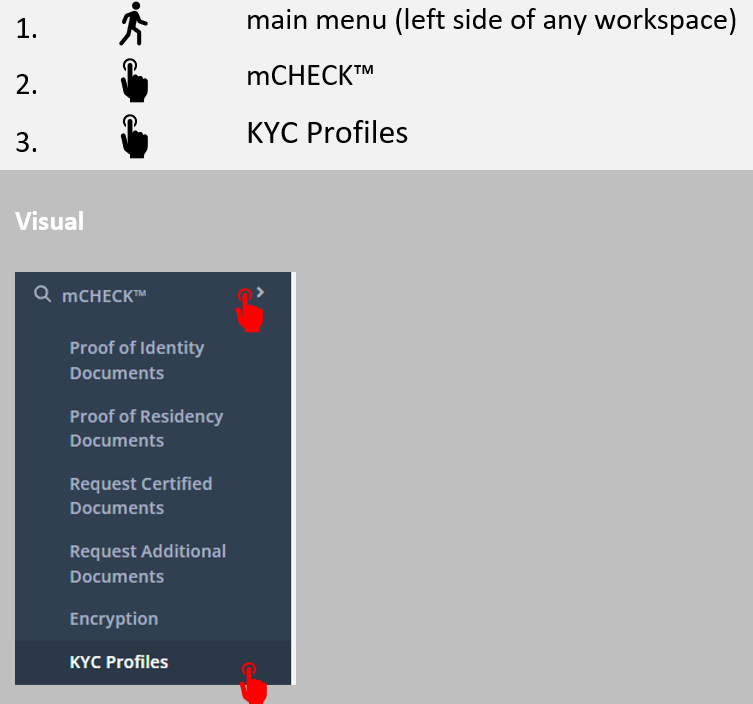
First, here’s how to get to that screen:
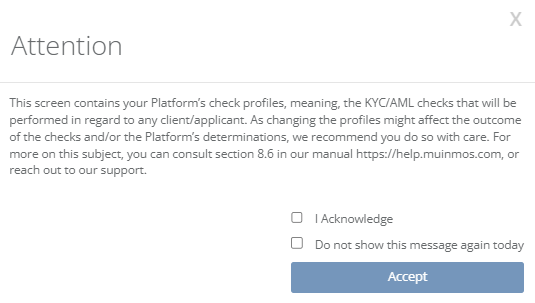
The following pop-up screen will show-up. After carefully reading its content, please tick “I Acknowledge” and press “Accept”.
To avoid seeing the acknowledgment page again on the same day, you can tick the box that says “Do not show this message again today”.